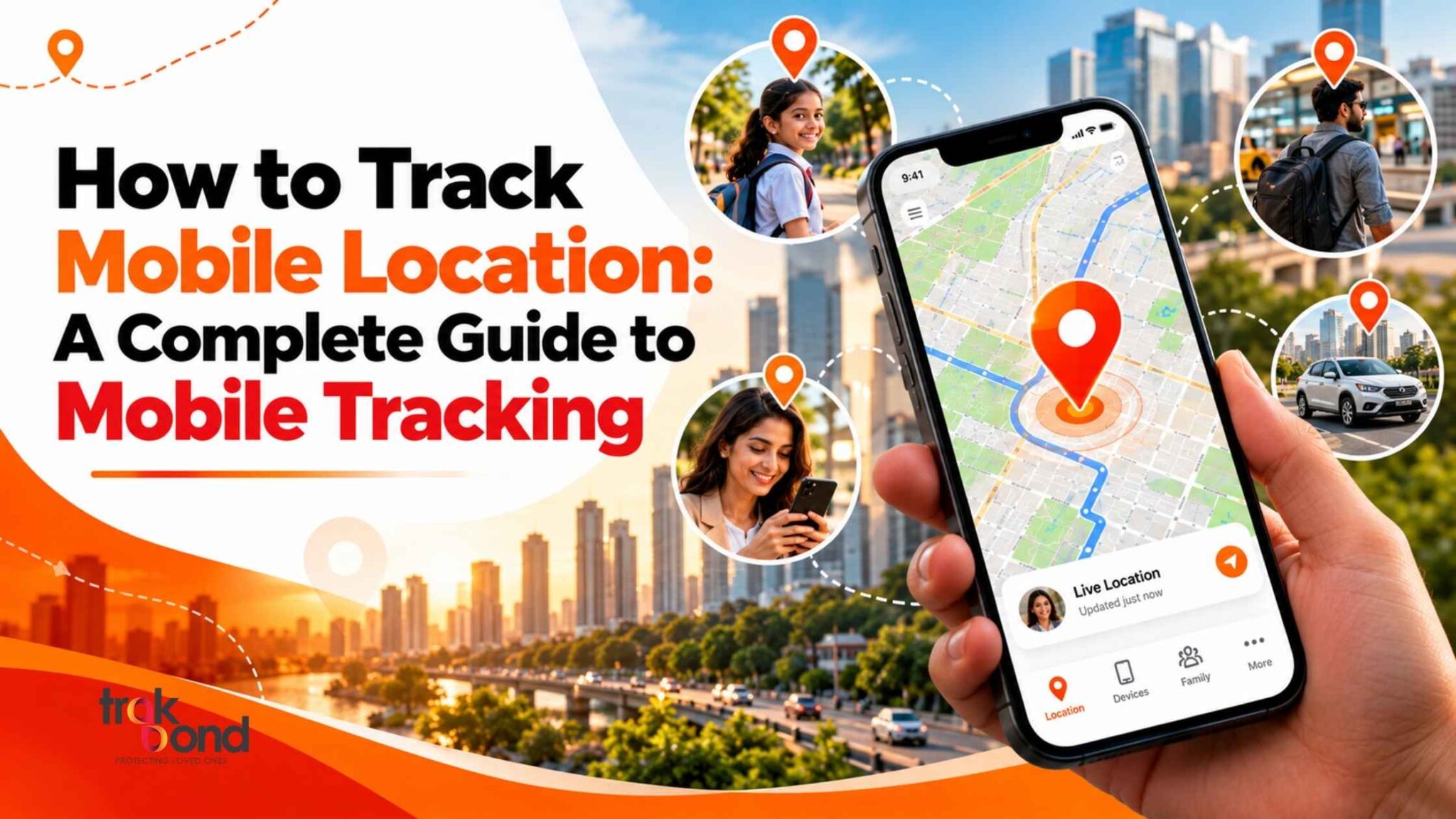
How to Track Mobile Location: A Complete Guide to Mobile Tracking
In today’s connected world, knowing how to track mobile location can be useful in many everyday situations. Whether you want to find a misplaced smartphone, share your location with family, or coordinate with friends while travelling, mobile tracking tools can help you stay connected and informed.
With smartphones becoming an essential part of daily life, mobile tracking offers a convenient way to locate devices and share whereabouts when needed. Using built-in phone features and trusted location-sharing applications, you can track mobile locations with greater convenience while respecting privacy.
In this guide, we’ll explore how mobile tracking works, the different ways to track mobile location, and how Trakbond can support location-sharing needs.
What Is Mobile Tracking?
Mobile tracking is the process of identifying a mobile phone’s location using technologies such as GPS, Wi-Fi, mobile networks, and internet-based location services.
Depending on the device and application, mobile tracking can help users view a phone’s current or last known location on a map. Some tools also support live location sharing, allowing authorised contacts to follow location updates for a selected period.
Common uses of mobile tracking include:
- Finding a lost or misplaced smartphone.
- Sharing your location with family members.
- Coordinating meetings and travel plans.
- Checking whether someone has reached a destination when they choose to share their location.
- Improving personal safety during journeys.
The available features and location accuracy depend on the device, network connectivity, location settings, and the application being used.
How to Track Mobile Location: 5 Easy Methods
If you want to track mobile location, several options are available. The right method depends on whether you are locating your own lost phone or viewing another person’s location with their permission.
1. Use Google Maps Location Sharing
Google Maps offers a convenient way to share and view real-time locations between people who have chosen to share them.
Follow these steps:
- Open Google Maps on your smartphone.
- Tap your profile picture.
- Select Location sharing.
- Choose the option to share your location.
- Select a contact or shareable link and choose the available sharing duration.
- The recipient can open the shared location to view your whereabouts.
This method is helpful for families, friends, and travellers who want to coordinate their journeys. You can stop sharing whenever you no longer want the other person to see your location.
2. Track a Lost Android Phone
If you have misplaced your Android smartphone, Google’s Find Hub can help you locate and secure your device.
Here is how to use it:
- Open Google’s Find Hub service on another compatible device or visit the official device-finding service.
- Sign in using the Google Account associated with your missing phone.
- Select the device you want to locate.
- Check the available location information on the map.
- If supported, play a sound, secure the device, or erase its data when necessary.
The phone’s location may not be available in every situation. Device settings, battery status, connectivity, and supported offline-finding features can affect the result.
3. Locate a Lost iPhone Using Apple Find My
Apple users can use the Find My app to locate a missing iPhone or another supported Apple device.
Steps to follow:
- Open the Find My app on another Apple device, or visit iCloud Find Devices.
- Sign in with the Apple Account associated with the missing device, if required.
- Select the iPhone from the list of devices.
- View its current or last known location, when available.
- Use supported options such as playing a sound, obtaining directions, or marking the device as lost.
For the best chance of locating a phone, enable Find My before the device goes missing.
4. Use a Mobile Tracking Application
A dedicated mobile tracking application can make location sharing easier when you regularly need to coordinate with family members or other trusted contacts.
Depending on the application, features may include:
- Live location sharing.
- Map-based location viewing.
- Location updates during travel.
- Support for multiple authorised contacts.
- Controls for managing location-sharing permissions.
Before choosing an application, review its features, device compatibility, privacy policy, and permissions. Make sure the people whose locations you want to view have knowingly agreed to share them.
5. Contact Your Mobile Network Provider
If your smartphone has been lost or stolen, your mobile network provider may be able to help with account security, SIM blocking, or other available procedures.
However, ordinary mobile network services do not necessarily provide customers with a live location map of a phone. Availability of location-related assistance depends on the provider, local laws, and the circumstances of the request.
If your phone has been stolen, secure your accounts, contact your provider, and report the incident to the appropriate authorities where necessary.
How Does Mobile Tracking Work?
Mobile tracking uses different technologies to estimate or identify a device’s location.
GPS
GPS uses satellite signals to estimate a device’s position. It can provide accurate location information outdoors when conditions are suitable.
Wi-Fi
A smartphone can use nearby Wi-Fi networks to help estimate its location. This can be particularly useful in places where GPS signals are weaker.
Mobile Networks
Mobile phones connect to nearby cellular towers. Network-based location estimates can help identify a general area, although accuracy varies considerably.
Internet and Location-Sharing Services
Location-sharing applications use the device’s available location information and an internet connection to send updates to authorised users.
By combining these technologies, mobile tracking services can make it easier to locate devices or share whereabouts. However, no method guarantees a precise, uninterrupted, real-time location in every situation.
Benefits of Mobile Tracking
Mobile tracking can be useful for individuals and families in several ways.
1. Find lost devices: Locate your own missing smartphone and use available security features to protect personal information.
2. Stay connected with family: Share your location with trusted family members during commutes, outings, and trips.
3. Make travel easier: Coordinate meeting points and help others follow your journey when you choose to share your location.
4. Support personal safety: Let trusted contacts know your whereabouts during late-night travel or when visiting unfamiliar places.
5. Save time: Reduce unnecessary calls and messages when arranging pickups or confirming arrival times.
The benefits depend on choosing a suitable service and using location-sharing features responsibly.
How Trakbond Can Help With Mobile Tracking
Trakbond focuses on location-sharing and tracking solutions designed to help users stay connected. When choosing a solution for your needs, look for features that make it easy to view shared locations, coordinate with trusted contacts, and manage location permissions.
A suitable mobile tracking solution should offer a clear interface, compatible devices, understandable privacy controls, and transparent information about how location data is used.
If you are exploring Trakbond for your location-sharing needs, visit the official Trakbond website to learn about its available features and services.
Before using any tracking application, check whether it supports your particular use case, operating system, and desired location-sharing features.
Is Mobile Tracking Safe and Legal?
Mobile tracking can be helpful when used responsibly, but privacy should always come first.
You should track your own device or view another person’s location through an authorised method. Obtain consent before sharing or monitoring another person’s location, particularly when using a dedicated tracking application.
To improve your privacy and security:
- Download applications from trusted sources.
- Review location permissions before granting access.
- Share your location only with people you trust.
- Check who can view your location and for how long.
- Use strong passwords and secure your online accounts.
- Disable location sharing when it is no longer necessary.
Avoid services that promise to secretly track any phone using only a phone number without proper authorisation. Such claims may be misleading or associated with unsafe services.
Common Problems When You Track Mobile Location
Sometimes, a mobile tracking service may not display the expected location. Here are a few possible reasons and solutions.
Location is not updating: Check the device’s location settings, internet connection, and application permissions.
The phone appears offline: The device may be switched off, out of battery, or disconnected from the network. Check whether a last known location is available.
The location is inaccurate: Move to an area with a clearer GPS signal and check whether precise location access is enabled.
A shared location is unavailable: Confirm that the other person is still sharing their location and that the sharing period has not expired.
The phone is missing or stolen: Use the appropriate official device-finding service and secure your accounts as soon as possible.
Remember that tracking results depend on technical conditions and the permissions granted by the device owner.
Frequently Asked Questions About Mobile Tracking
1. How can I track mobile location?
You can track your own phone using the device’s built-in location-finding service. To view another person’s location, use a location-sharing application or service with their permission.
2. Can I track mobile location using Google Maps?
Yes. Google Maps supports location sharing, allowing users to share their whereabouts with selected contacts. You can view another person’s location when they have shared it with you.
3. Can I track a mobile phone using its number?
A phone number alone does not generally give an ordinary user access to a phone’s live GPS location. Use authorised location-sharing tools or official device-finding services instead.
4. Can I track a lost mobile phone?
Yes, in many cases. Android users can use Google Find Hub, while Apple users can use Find My. Whether the phone can be located depends on its configuration and the location information available.
5. Does mobile tracking work when a phone is switched off?
A phone that is switched off may not transmit its current location. Some supported devices and networks can provide a last known location or limited offline-finding capabilities, but availability varies by device and service.
6. Is mobile tracking accurate?
Mobile tracking accuracy depends on GPS reception, nearby Wi-Fi networks, cellular coverage, device settings, and environmental conditions. Location estimates may be less accurate indoors or underground.
7. Can I track a family member’s mobile location?
Yes, when the family member knowingly shares their location through an appropriate service. The available features depend on the application, device, and permissions.
8. Is a mobile tracking application safe to use?
It can be safe when obtained from a trustworthy source and used with appropriate privacy and security settings. Review its permissions, data practices, and location-sharing controls before installing it.
Conclusion
Knowing how to track mobile location can help you find misplaced devices, coordinate journeys, and stay connected with the people who matter to you. From Google Maps location sharing to Android Find Hub and Apple Find My, several tools can support different mobile tracking needs.
When selecting a mobile tracking solution, prioritise reliability, ease of use, device compatibility, and privacy. Explore Trakbond’s official website to learn more about its location-sharing solutions and find an option that suits your requirements.
Stay connected, share responsibly, and make mobile tracking a useful part of your everyday life.